 For this assignment I chose a picture I took last year of a car that has somewhat grown into the land around it. I chose to overlap the picture using various paint brushes, instead of deleting the original layer and only using the part I manually painted. I tried to use the different brushes for the effect of a different texture (metal, leaves, etc.). I'd say I'm satisfied with it although there are quite a few little pieces that could of used more time, but overall I thought the outcome was up to par.
Thursday, October 20, 2011
Painting
For this assignment I chose a picture I took last year of a car that has somewhat grown into the land around it. I chose to overlap the picture using various paint brushes, instead of deleting the original layer and only using the part I manually painted. I tried to use the different brushes for the effect of a different texture (metal, leaves, etc.). I'd say I'm satisfied with it although there are quite a few little pieces that could of used more time, but overall I thought the outcome was up to par.

Tuesday, September 20, 2011


Monday, June 6, 2011


Friday, June 3, 2011
Kaleidoscope

I found my own tutorial for this one so it might not look like the others. Nevertheless, the original picture was melting mushrooms and I put a smaller copy in the middle.
Wednesday, June 1, 2011
Color Wheel
 For this project I used a gradient background with other edits to that included. The spots were made with some variations to the paint tool (hue jitter, scattering). The nautical stars all contain a fractal design and these were edited with filters as well. Finally, I added shadows with motion blur as a final touch.
Thursday, May 26, 2011
Advertisement
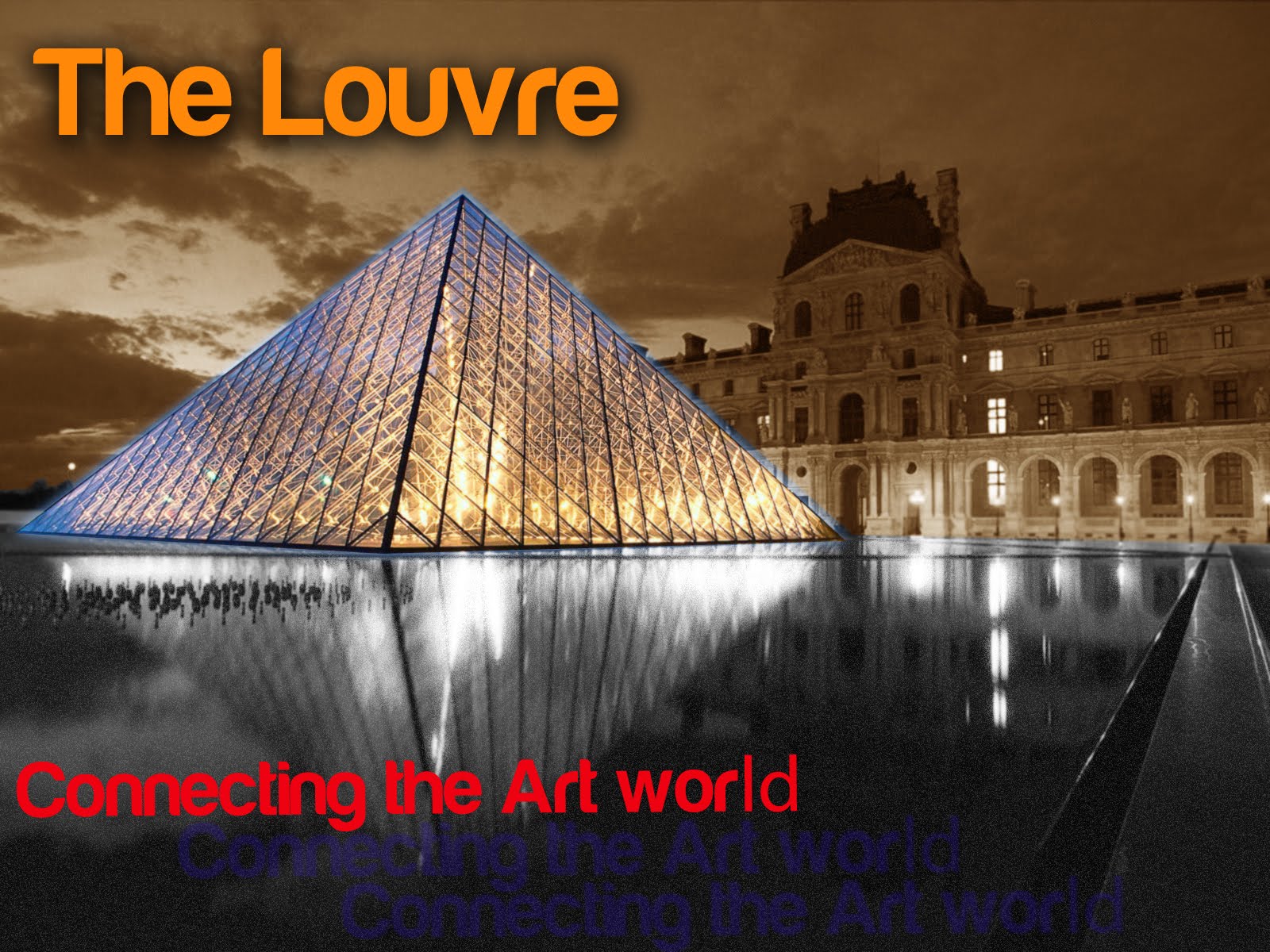
I was leaning towards something from the art world on this one and so I went with the beloved Louvre. Mainly added an outer glow to the glass structure and divided the pond and sky with black and sepia, respectively. Diffuse glow also was added to the water. Overall, I went for a simple yet structured design.
Subscribe to:
Posts (Atom)